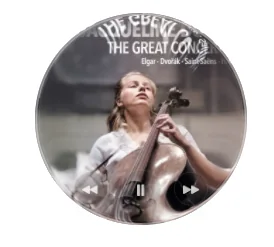
Round Music Widget
A native macOS companion I designed and built to keep the current Apple Music artwork on the desktop as a movable glass-like bubble with playback controls.
Why I made this project
I find it astonishing that macOS does not have an Apple Music widget. I really like music widgets, mostly because I like seeing the artwork for whatever album I am currently listening to.
There are apps you can download, but I knew exactly what I wanted. I wanted a sort of bubble with an effect around the edge. I wanted it to be pretty and to go with whatever I was listening to.
So I made Round Music Widget, which is exactly what it sounds like.
How I built this
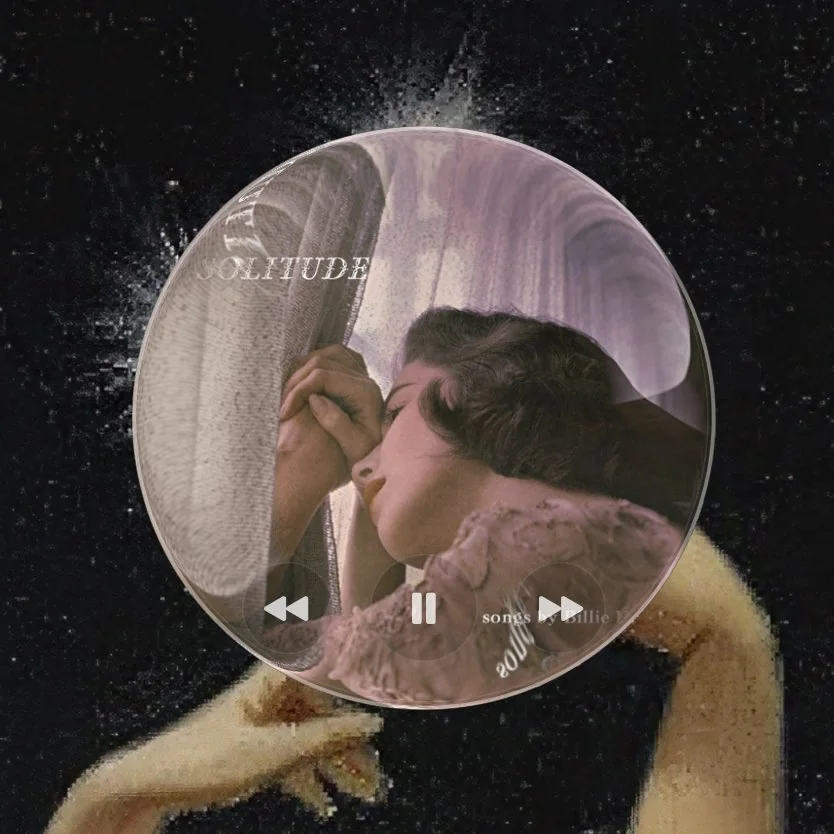
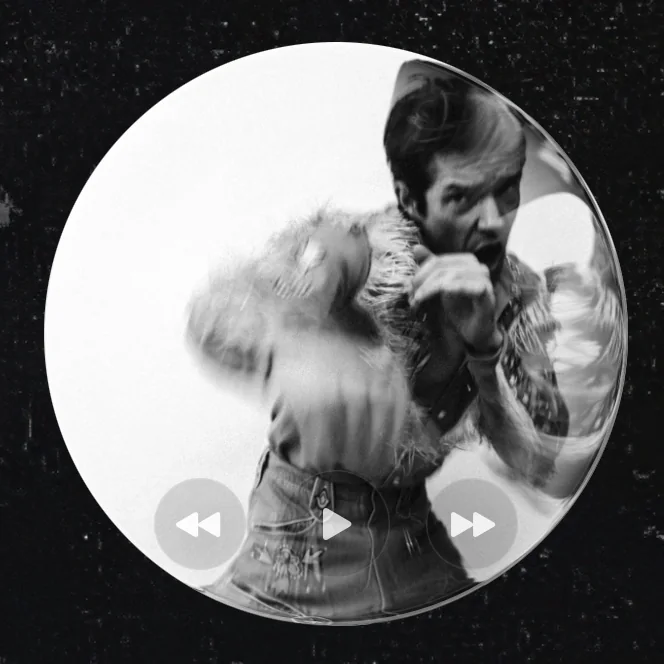
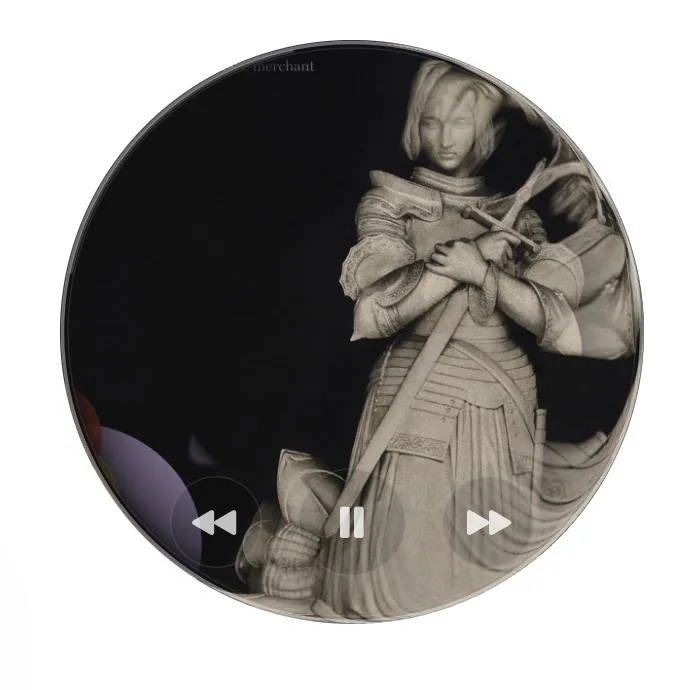
It stays in sync with Apple Music. Every time I open Music, the widget opens and shows the artwork for the song or album I am listening to, with basic controls for play, next and previous.
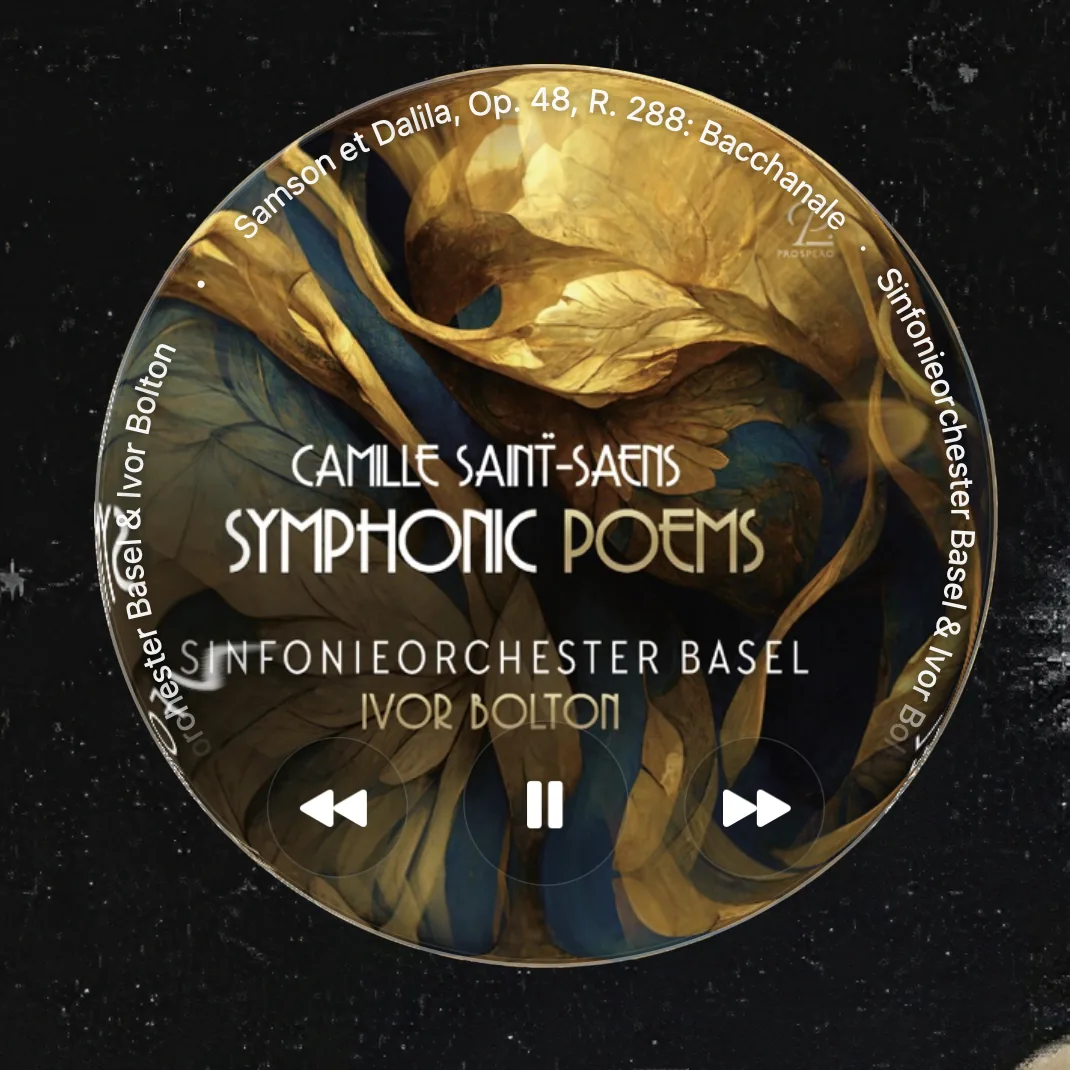
The interesting bit is the design. I wanted a bubble, not just a circular frame with the artwork inside it. So I added an effect around the edge that extends and distorts the image a little, as if you were looking at the artwork through a magnifying dome or one of those strange lenses. When you hover over the widget, the song title and artist appear around the frame.
When I close Apple Music, the widget closes too. I can move it anywhere on the desktop and choose between four sizes, from compact to extra large, depending on what I am doing.
What comes next
One thing that does not look good is a text-heavy album cover. I have several possible solutions in mind, which I may add as I use the widget more and more.
- Use the playlist cover instead of the album cover. This usually happens when I am listening to classical music, and I usually listen to classical music from a playlist.
- Detect and use only the part of the album cover that does not contain text. That would probably involve AI, or some kind of detection automation. I am not sure it is worth it. It may be too heavy for the scope of the tool.
- Let me replace a text-heavy album cover with either a random photograph or one I have chosen.
- Do nothing and decide that this is fine.