Secret Santa Studio
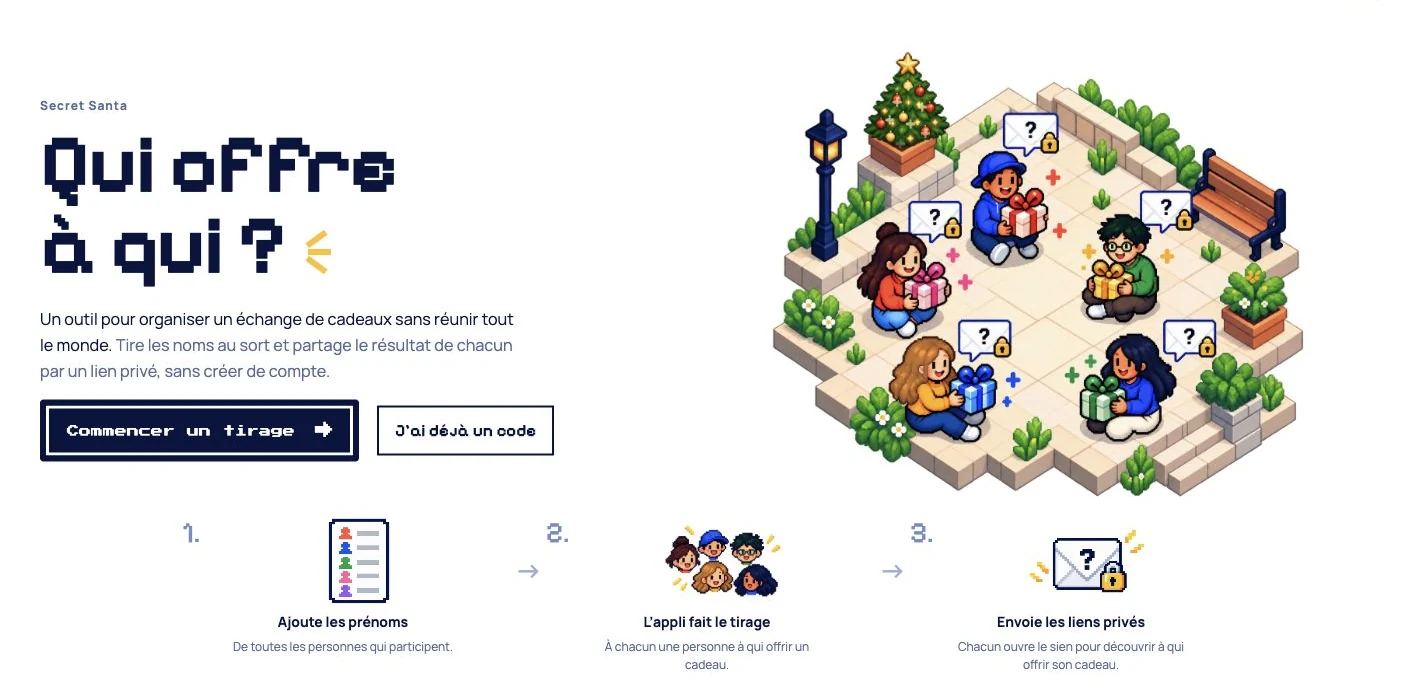
A playful Secret Santa generator I made for my cousins, then opened to everyone: exclusion groups, a code instead of an account, and two ways to share the surprise.
Why I made this project
Secret Santa has become a Christmas tradition with my cousins. It is also a bit of a puzzle: some people must not draw one another, and the combination changes depending on which partners are joining us. Every year, we end up working out who can give to whom and whether a draw is even possible.
This year, I decided to make a tool for us. Then I realised I wanted other people to be able to use it too. It became Secret Santa Studio, a free generator in English and French.
Keeping it simple
My requirements were simple: it had to be very easy to use, fun, and manageable for me to run. I did not want to maintain accounts or an email-sending service for a small gift-exchange tool.
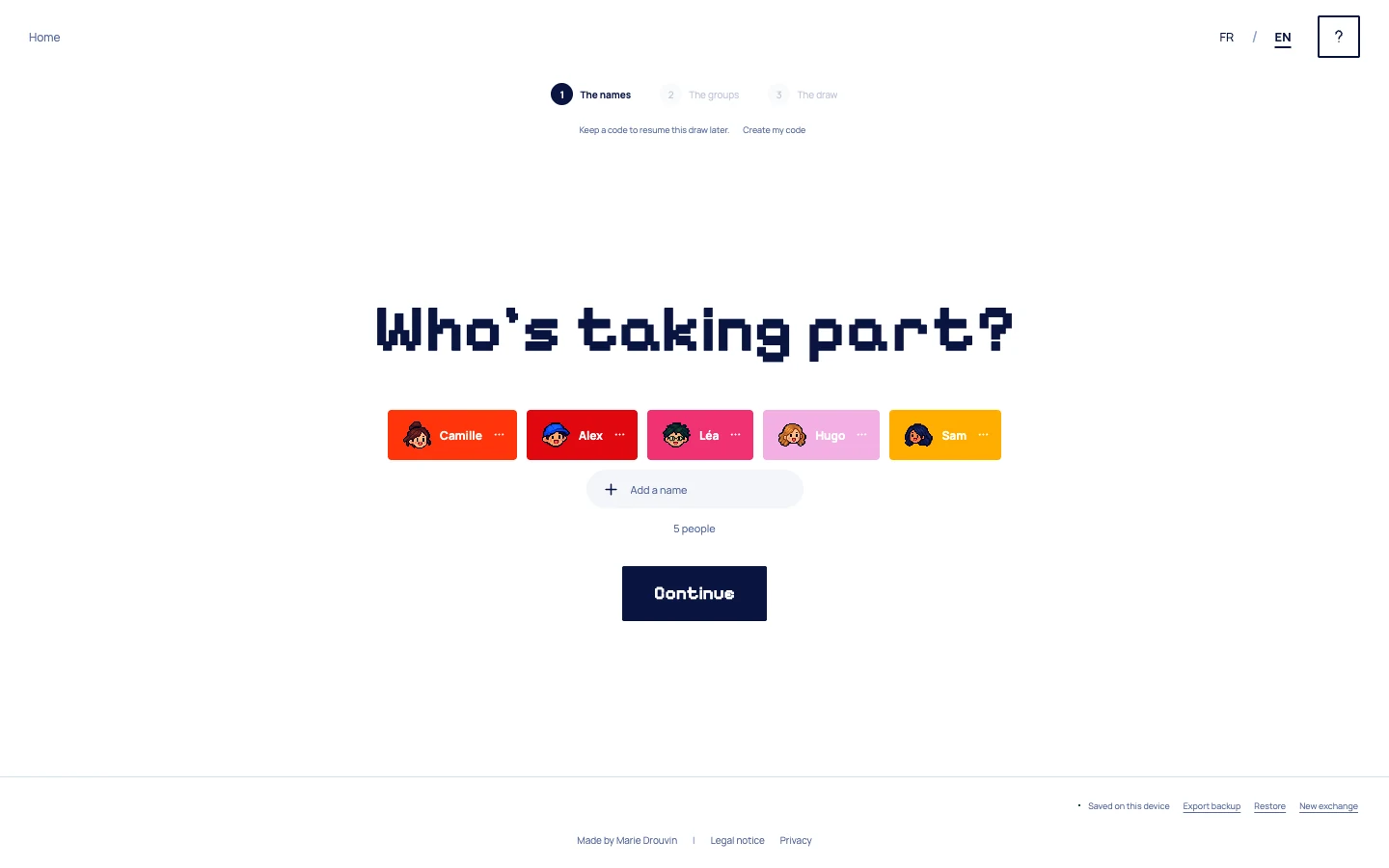
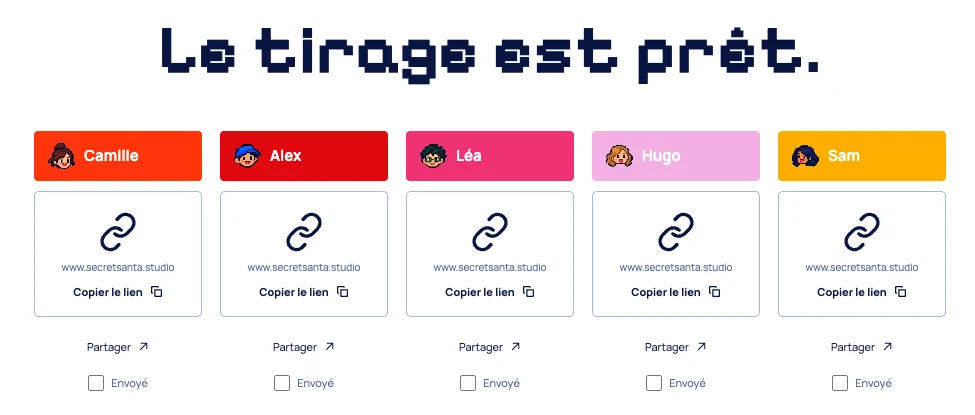
You add the names and, if needed, create groups of people who should not draw one another. The app checks whether a valid draw is possible before assigning one recipient to each person. It generates individual reveal links that the organiser can send by email, WhatsApp or whatever the group already uses.
To return later, you keep a recovery code instead of creating an account. It restores your draft, including on another device. The online save stays available for three months after the organiser last saves or resumes it, which felt like plenty of time to organise a gift exchange. The shared group page follows that same period; individual reveal links remain usable independently.
I built the app with React and TypeScript and put it on Cloudflare. The recovery code gives people a way back without adding a login flow to the experience.
Making the draw feel fun
The first visual idea was to turn the names into colourful little people pills. As you add names, they accumulate on screen. I liked giving the group a visible shape instead of leaving it as a plain list.
I also wanted a fun typeface. I generated images to explore what the front page could look like with my requirements, and landed on a pixel-art direction. I added a little Christmas scenery, but kept it in the background: the tool can work for other gift exchanges too.
The pixel portraits carry through the different steps. When the draw happens, the name cards spin before settling into the links ready to send. It is a small moment of anticipation around what could otherwise be a very administrative task.
One link for a group that trusts itself
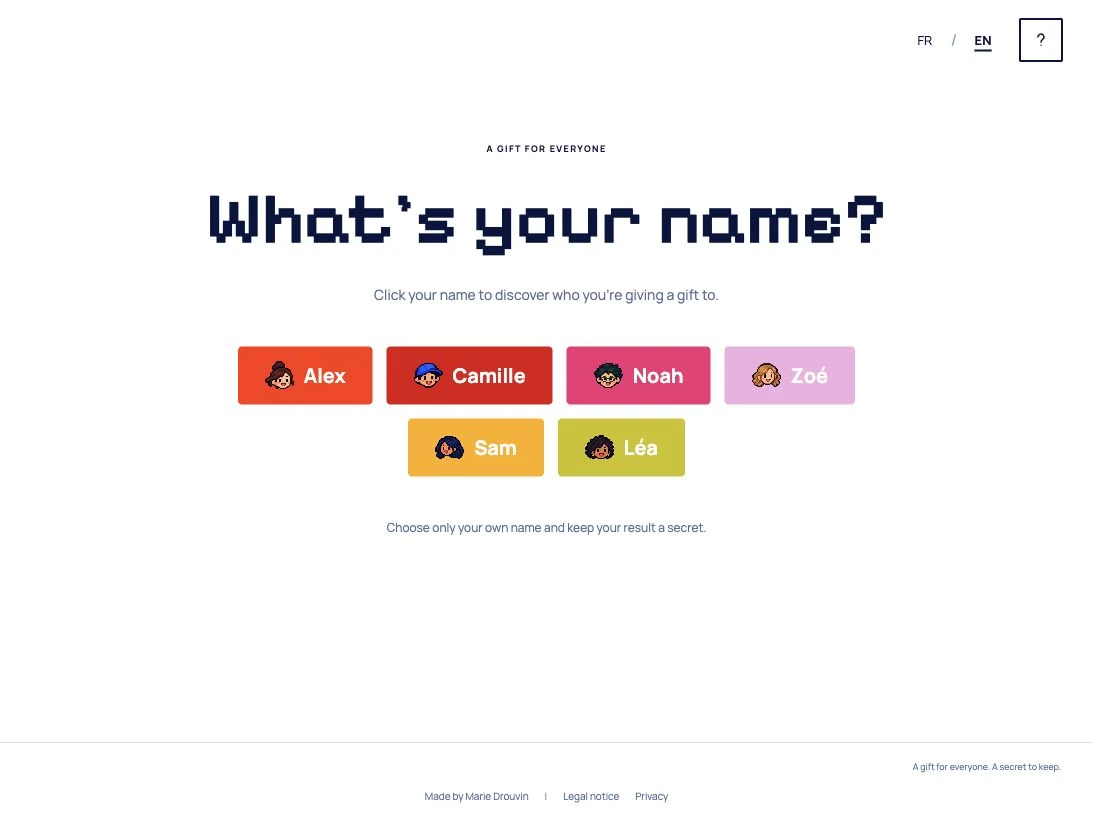
I added the shared link later. For a large Secret Santa, sending every link individually can take a while. With the shared page, the organiser posts one link in the group chat and everyone clicks their own name to discover who their gift is for.
That requires trust: anyone with the shared link can choose any name. I kept it optional, so the organiser can decide whether the convenience makes sense for their group or send individual links instead.
Making a launch film
Once the website was ready, I decided to play with video editing too. I made a short film to launch it and show how it works, from adding names and setting exclusions to sharing a link and discovering a recipient. It gave me another way to bring the same playful identity to life.
I created the music with ElevenLabs and edited the entire film in Codex.